
Views & Sorting
هذا المحتوى غير متوفر بلغتك بعد.
List & Tile Views
Section titled “List & Tile Views”Switch between a compact list view and a visual tile view. The component remembers the user’s preferred view.
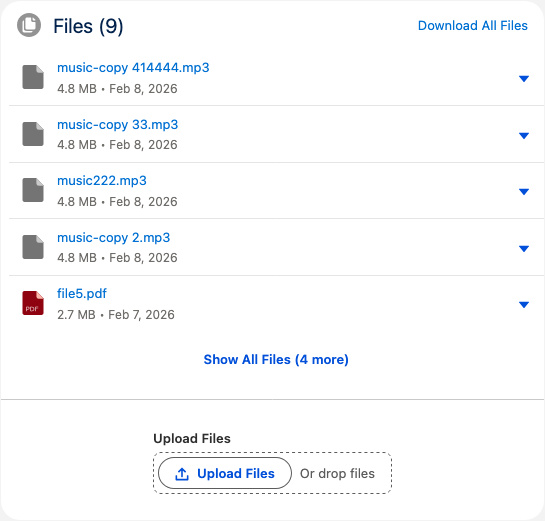
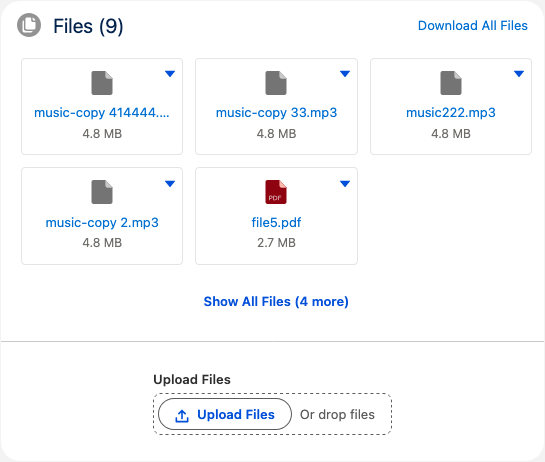
The default view can be set by the admin in the component properties (Display Mode).
Sorting
Section titled “Sorting”Files can be sorted by:
- Date (Newest / Oldest) — by last modified date
- Size (Largest / Smallest) — by file size
- Name (A–Z / Z–A) — alphabetically
The default sort order is configurable via the Default Sort Order property in Lightning App Builder. Users can change the sort order at runtime using the sort dropdown.