
Installation
Este conteúdo não está disponível em sua língua ainda.
Free Edition (GitHub)
Section titled “Free Edition (GitHub)”- Clone or download the repository from GitHub.
- Deploy to your Salesforce org using Salesforce CLI:
sf project deploy start --source-dir force-app- Navigate to a record page in Lightning App Builder and drag the Smarter Files component onto the layout.
One-Click Deploy (Alternative)
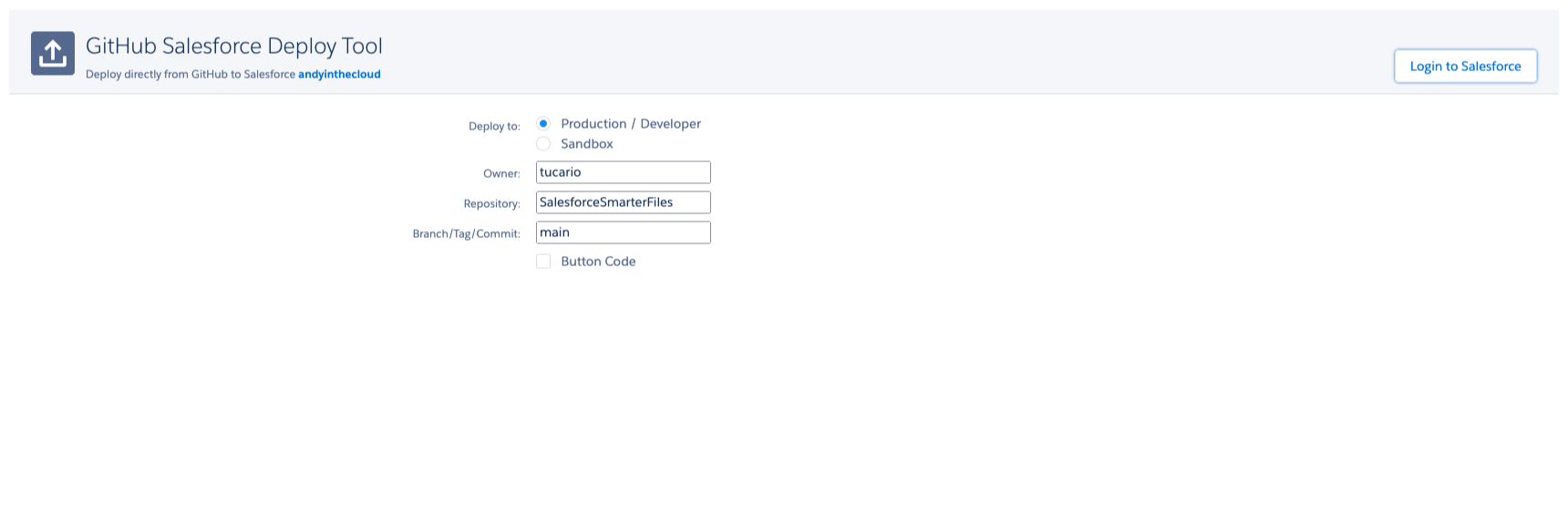
Section titled “One-Click Deploy (Alternative)”You can also use the GitHub deploy tool to install directly into your org:
- Choose your environment (Production or Sandbox):
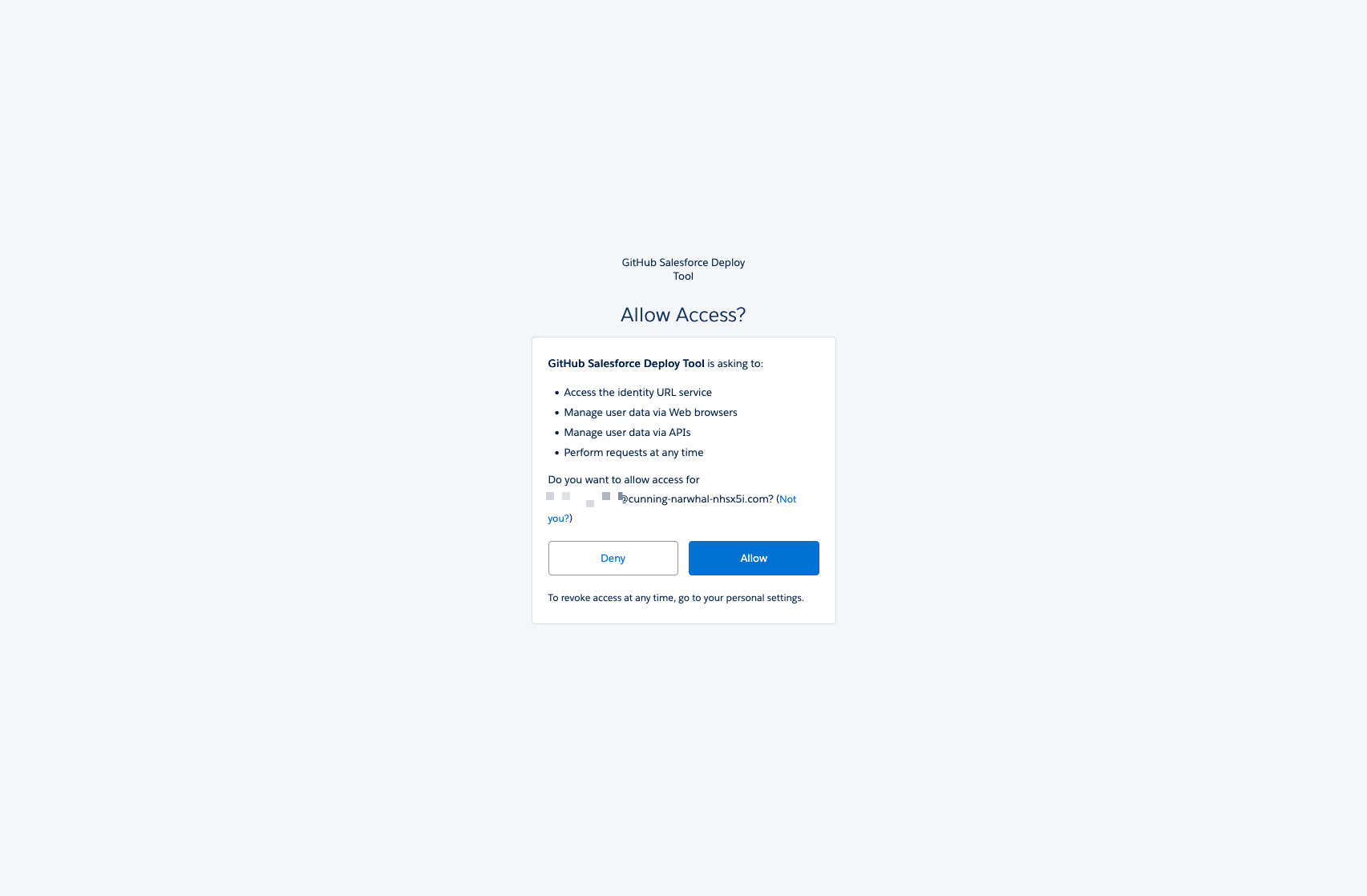
- Allow access to your Salesforce org:
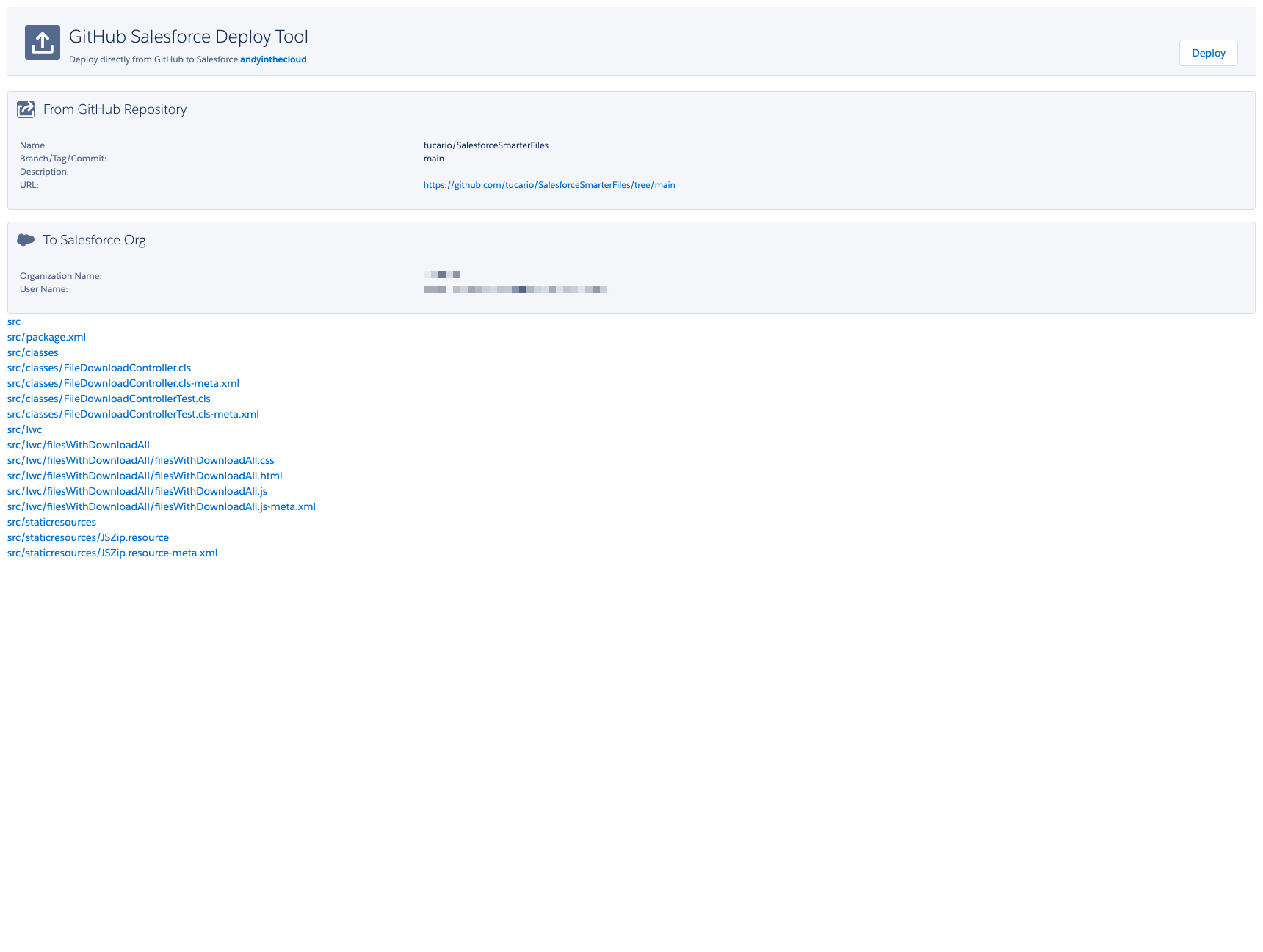
- Confirm the components to deploy:
AppExchange Edition
Section titled “AppExchange Edition”- Install from AppExchange (coming soon).
- Drop the Smarter Files component on any record page using Lightning App Builder.
- Configure visibility rules in the component settings panel.
Requirements
Section titled “Requirements”- Salesforce Enterprise, Professional, or Unlimited edition.
- Lightning Experience enabled.
- Platform license is sufficient — no full Salesforce license required.